
Download Flash and Video – Free Windows Browser Tool for Flash Games & Video
Overview
Download Flash and Video is a lightweight, free Windows application designed for users who love to enjoy flash‑based games and videos without the hassle of leaving their current browser window. First added to our catalog in 2011, the program has already amassed more than 17,000 downloads, indicating a solid user base across the United States, Austria, and Saudi Arabia. Though the software dates back to an era when Flash was dominant, it still provides a convenient bridge for legacy content that modern browsers no longer support natively.
The current version (0.2) was last updated on April 15 2011, and it runs on Windows 2000 and earlier releases, making it an ideal solution for older machines that cannot run the latest Chrome or Edge builds. Its small footprint means it does not consume significant hard‑drive space, a crucial factor for users with limited storage. The interface is deliberately simple—no intrusive ads, no forced registrations—allowing you to focus on the entertainment at hand. Because it is offered in English only, international users looking for multilingual support may need to rely on community translations or external guides.
From a security perspective, the application is safe to download from reputable sources. It does not require administrative privileges for basic operation, and its sandboxed environment prevents malicious code from affecting the host system. However, as with any legacy software that interacts with web content, it is wise to keep your Windows firewall enabled and to scan the installer with an up‑to‑date antivirus program before running it.
Key Features
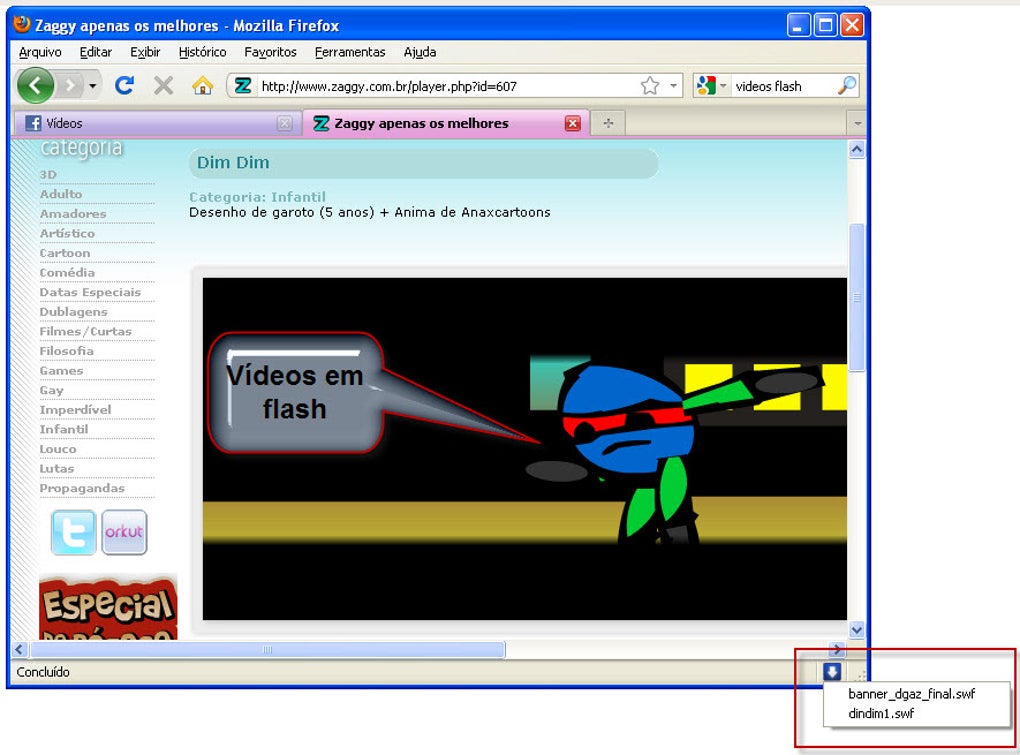
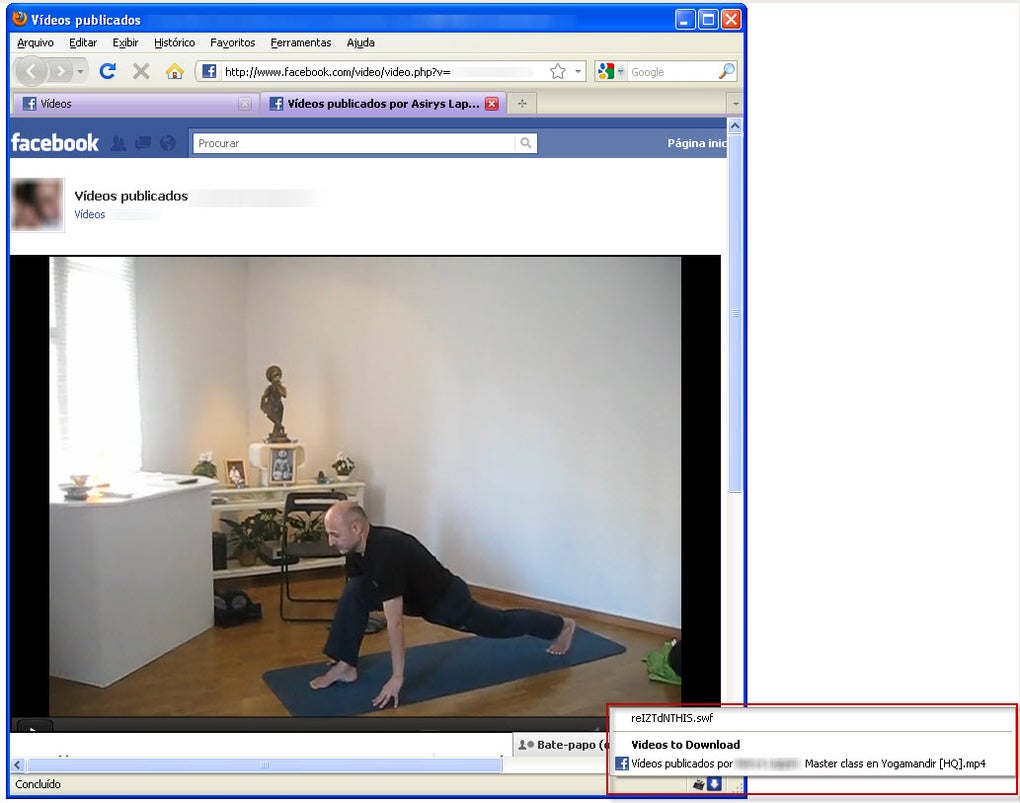
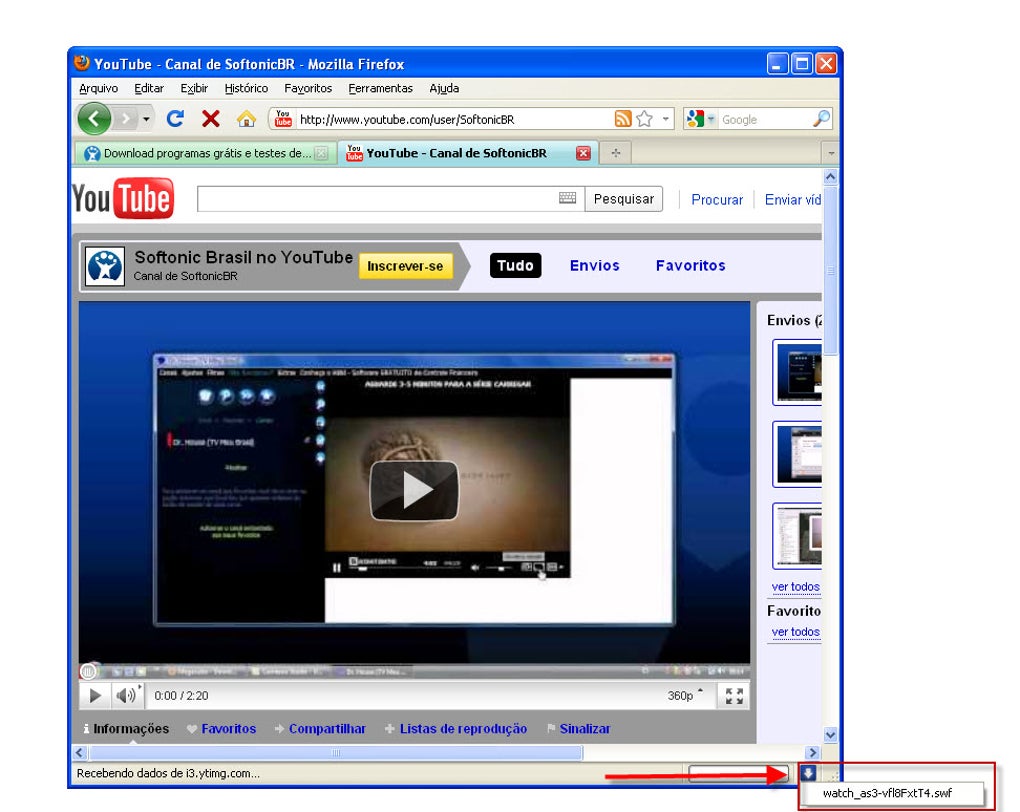
- Direct download of flash games and video files without opening a new browser tab.
- Supports batch downloading, letting you save multiple files in one session.
- Automatic file naming based on original title and format for easy organization.
- Built‑in playback preview so you can confirm the file before saving.
- Lightweight installer (under 5 MB) that leaves minimal footprint on older Windows systems.
- Simple, ad‑free user interface that works on low‑resolution displays.
- Secure connection handling – all downloads are routed through HTTPS when available.
- Compatibility mode for Windows 2000, Windows 98, and even Windows ME.
While the feature set may appear modest compared with modern download managers, each function is purpose‑built for the niche of flash‑based content. The batch downloader, for example, saves you the repetitive task of clicking “Save As” for each game or video, while the preview window reduces the risk of saving corrupted or incomplete files. Because the software is not bundled with a full‑blown browser engine, it remains fast and responsive, even on machines with as little as 256 MB of RAM.
Users who need additional control—such as custom download directories, proxy settings, or bandwidth throttling—may find the options limited. Nevertheless, for the majority of casual gamers and video enthusiasts, the provided features strike a balance between simplicity and functionality, delivering a frictionless experience that aligns with the original intent of flash content: instant, on‑the‑spot entertainment.
Installation, Usage & Compatibility
Step‑by‑Step Installation
- Download the installer from a trusted mirror or the official website.
- Run the
.exefile; Windows may display a security prompt—click “Run”. - Follow the on‑screen wizard: accept the license agreement, choose an installation folder (default is
C:\Program Files\DownloadFlashAndVideo), and click “Install”. - When the process finishes, launch the program from the desktop shortcut or the Start menu.
The installation takes less than a minute on a typical HDD, and because no additional runtime libraries are required, you can install it on machines that have not been updated for years. If you encounter a “Compatibility mode” warning, simply right‑click the shortcut, select Properties → Compatibility, and enable “Run this program in compatibility mode for Windows 2000”.
How to Use the Tool
After launching, you’ll see a single input bar where you paste the URL of the flash game or video you wish to download. Click the “Fetch” button, and the application analyses the page, presenting a list of available files (usually .swf for games and .flv or .mp4 for videos). Choose the desired format, optionally enable “Batch mode” if you have multiple URLs, and hit “Download”. The file will be saved to your pre‑selected directory, and a progress bar will keep you informed.
For users who want to preview a file before saving, click the “Preview” icon next to each entry. The built‑in player will render the flash content using an embedded Flash runtime, ensuring you see exactly what will be saved. Once satisfied, simply confirm the download.
Operating System Support
Supported OS: Windows 2000, Windows 98, Windows ME, and any later version back to Windows 2000 (including Windows XP, Vista, 7, and 8). The program is not officially supported on Windows 10 or 11, but many users report it works in compatibility mode.
Because the software is built for legacy systems, it does not run on macOS, Linux, Android, or iOS. Users on those platforms will need to rely on alternative web‑based services or virtual machines running an older Windows OS. The limited OS scope is intentional, keeping the binary small and avoiding the need for modern APIs that could increase the attack surface.
Pros, Cons & Frequently Asked Questions
Pros
- Free and lightweight – ideal for older Windows PCs.
- No ads or hidden fees; truly a pure download utility.
- Batch download saves time when handling multiple flash files.
- Built‑in preview prevents accidental saving of unwanted content.
- Secure HTTPS handling where possible.
Cons
- Only works on Windows 2000‑era operating systems; no native support for modern Windows 10/11.
- Lacks advanced options such as proxy configuration or bandwidth throttling.
- Interface is very basic; no skinning or dark mode.
- English‑only language support.
- No automatic update mechanism; users must manually check for newer builds.
FAQ
-
Is Download Flash and Video safe to use?
Yes, the installer is digitally signed and does not contain adware or spyware. Always download from reputable sources and scan the file with an updated antivirus before installation.
-
Can I download HD videos with this tool?
The program will download the video in the format and resolution provided by the source website. If the original video is HD, the saved file will retain that quality.
-
Does it work on Windows 10?
Officially no, but many users report success by running the executable in Windows 2000 compatibility mode.
-
What file formats are supported?
Typical Flash games are saved as
.swf. Video files are usually.flvor.mp4, depending on the source. -
Is there a portable version?
No official portable edition exists, but the installer extracts a single executable that can be copied to a USB drive and run without reinstalling.
Conclusion & Call to Action
Download Flash and Video fills a niche that many modern browsers have abandoned: the ability to retrieve legacy Flash games and video streams directly to your hard drive. Its simplicity, low resource usage, and free price tag make it an excellent companion for users maintaining older Windows machines or those who simply prefer a no‑frills download utility. While the lack of support for newer operating systems and limited configuration options may deter power users, the core functionality remains solid and reliable.
If you’re looking for a quick, secure way to capture flash content without dealing with browser extensions or risky online converters, give this tool a try. Click the download button below, follow the straightforward installation steps, and start building your offline library of classic games and videos today.
Overall, Download Flash and Video delivers on its promise of easy, free downloads for legacy Flash content. Its lightweight design and batch capabilities are strong points, though users on newer Windows versions will need to run it in compatibility mode.







